Digital painting software for traditional oil painters
Digital painting software for traditional artists makes a specific promise: that a stylus can behave less like a cursor and more like a loaded brush. The promise is only partly true.
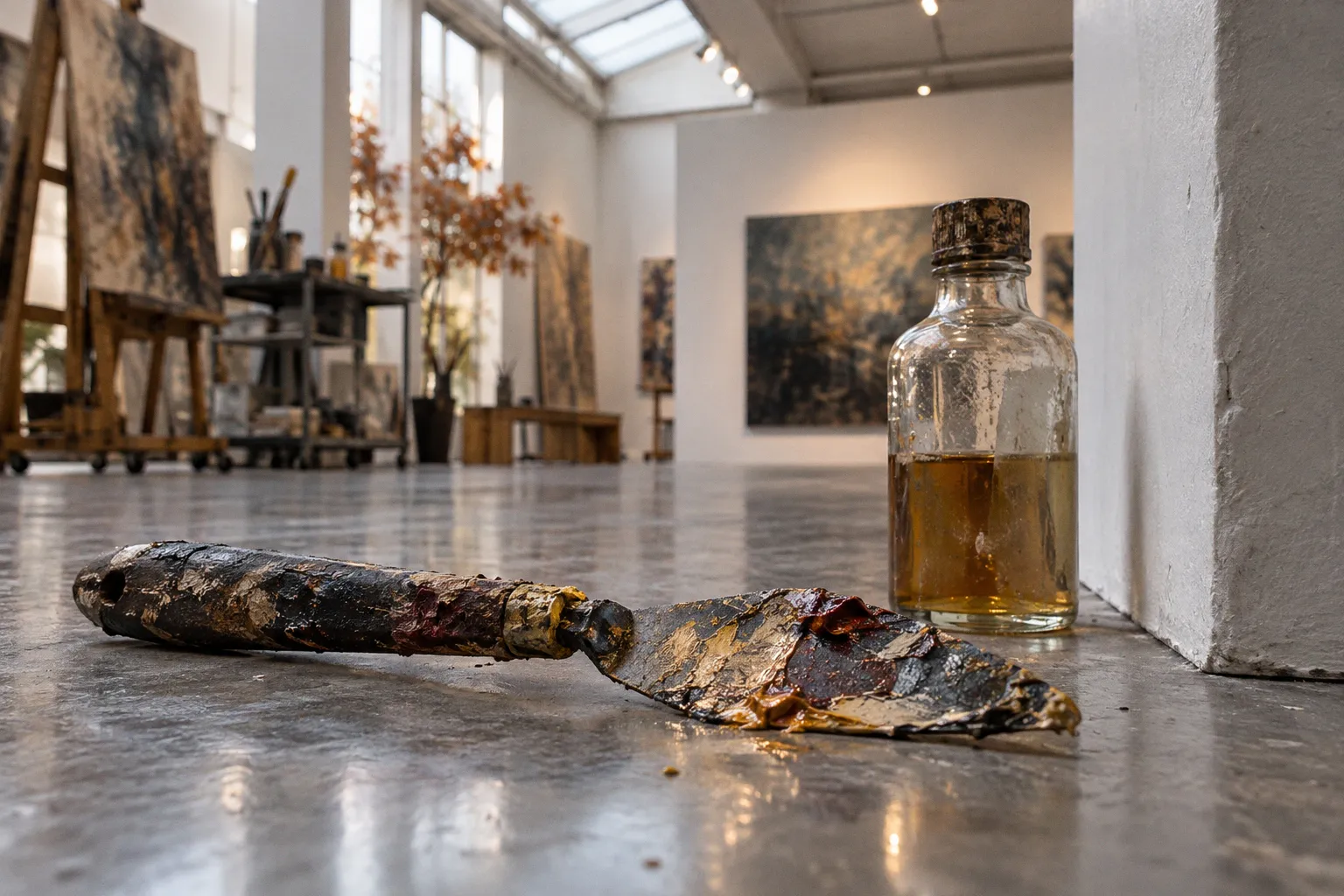
Modern paint engines can simulate wet blending, pigment mixing, canvas texture and thick impasto, but each feature has limits—and none removes the adjustment required when moving from canvas to screen.
For a working oil painter, the practical question is not which program looks most convincing in a demo. It is which one reproduces the parts of the physical workflow that matter, on the hardware and within the budget already available. I would compare the software by its paint engine, control over stroke behavior, surface effects and the amount of setup required before it earns a place in the studio.
The physics of pigment: wet-on-wet blending
The key difference between a conventional digital brush and a natural-media engine is what happens when colors meet. A basic raster brush deposits a color value. A paint simulation attempts to model how wet material spreads, mixes and changes as the brush moves through it.
Rebelle uses physical paint simulation with pigment-based color mixing and real-time wet diffusion. Its oil tools also include controls for paint thickness and impasto. That makes it a strong candidate for artists whose main test is whether wet colors can be worked directly on the canvas rather than blended later with a separate blur or smudge pass. Rebelle 7 includes more than 250 realistic brushes, although the brush count alone says little about whether a particular brush matches an individual painter’s hand.
ArtRage also models paint thickness, wetness and depletion across a stroke. Paint can be smeared while thick, mixed while wet and made to interact with a textured canvas surface. This is useful when the desired result depends on the changing state of the paint: a brush that lays down less material as it travels, or a stroke that pushes one color into another.
Adobe Fresco offers Live Brushes that simulate fluid oils and watercolors, alongside standard raster and vector brushes. Its appeal is breadth: a painter can combine wet-media behavior with other kinds of digital artwork in one application. But a Live Brush simulation is not the same as a complete physical model of oil paint. When evaluating it, I would focus on the actual stroke response and blending controls rather than treating the label as a guarantee of studio-equivalent behavior.
Corel Painter approaches the problem through specialized natural-media engines, including Real Watercolor and Thick Paint. Its tools respond to stylus input such as pressure, angle, bearing and flow. That creates a larger control surface than a brush that changes only size or opacity, but it also increases the number of settings that need to be understood and tuned.
Wet blending is the feature to test first. If the color interaction feels wrong, more brushes will not fix the mismatch.
These applications simulate selected behaviors; they do not reproduce the full chemistry of oil paint. The exact proprietary implementation of fluid dynamics in products such as Rebelle and ArtRage is not public in the available research, and there is no universal benchmark for comparing one engine’s wetness or pigment mixing with another’s. The useful comparison is therefore operational: can the software support the painter’s intended sequence of laying down, moving and revising color?
Impasto and surface relief
Physical impasto changes the surface of a painting. Digital impasto changes its representation. Some software can create convincing visual depth and thick-paint effects, but a brush mark on a screen remains an image unless it is translated into a physical output process.
Rebelle provides oil thickness controls and impasto effects. ArtRage is designed to simulate paint thickness and allows tool sizes up to 800%, a range intended for heavy, broad applications. Corel Painter’s Thick Paint engine gives artists another route to layered, raised-looking strokes. These features can help build the appearance of material without requiring a separate post-processing step.
The distinction matters for the final use:
- For a digital image viewed on a screen, simulated relief can supply highlights and shadow cues that read as thick paint.
- For a print, the effect is rendered as image data. The print surface itself remains flat unless a separate production technique adds physical texture.
- For a workflow that depends on actual paint ridges, resistance under the brush or changing light across a raised surface, a screen simulation is not a substitute for oil on canvas.
Texture settings also affect the image at different scales. A canvas grain may be a background surface, a brush response that reveals or skips across that surface, or a rendered mark applied over the image. Those are not interchangeable. If the texture only sits beneath a fully opaque stroke, it may contribute little to the mark. If the brush interacts with the substrate, the texture can affect how much of the ground remains visible.
This is where digital brush engine customization becomes practical rather than decorative. A painter may need to adjust paint load, stroke opacity, spacing, texture interaction and pressure response separately. A preset can be a starting point, not a reliable match for a specific physical brush. I would treat the first session as calibration: create a small test sheet with opaque strokes, thin scumbles, wet blends and dry-looking marks, then compare the behavior against the painter’s actual requirements.
Stylus dynamics: pressure, bearing and flow
A paint engine can only respond to input that the stylus and application provide. Pressure is the familiar variable, but it is not the only one. Corel Painter’s natural-media brushes can respond to pressure, angle, bearing and flow data. These inputs can affect stroke width, directionality or paint deposition, depending on the selected brush and its settings.
This creates a translation problem for traditional painters. On canvas, a brush changes through hand pressure, wrist rotation, bristle spread, paint load and contact angle. On a tablet, some of those actions are captured directly, some are inferred from stylus sensors, and some have no close digital equivalent. The result depends on the combination of hardware, driver and software—not on the program name alone.
A useful setup test is deliberately narrow:
1. Draw pressure ramps. Make one stroke that moves from light contact to firm pressure and back. Check whether the brush changes in a predictable way, rather than jumping abruptly between widths or opacity levels.
2. Test angle and bearing. Rotate the stylus and vary its tilt. If the brush engine supports these inputs, see whether the mark changes in a way that serves the painter’s technique.
3. Repeat with different paint loads. Compare a full, opaque stroke with a depleted or dry-looking one. The software should make the transition controllable, not dependent on a lucky gesture.
4. Check the substrate response. Use the same brush on a smooth surface and a textured one. Determine whether texture affects the stroke itself or merely appears behind it.
5. Save a small set of working brushes. A compact, tested group is more useful than hundreds of presets that have not been calibrated.
There is no universal standard for measuring how much a digital stylus feels like a brush dragging across linen. The friction of display glass, a surface film and the painter’s own grip all affect the experience. That makes claims about a single “natural” feel difficult to verify. I would separate input accuracy from tactile feel: a stylus may report pressure and tilt consistently while still lacking the resistance of a physical surface.
Comparing specialized toolsets
The strongest choice depends on which physical behavior needs to survive the transition. The following comparison is based on documented tool capabilities, not a claim that one engine has been independently measured as the most realistic.
| Software | Relevant paint behavior | Best fit for an oil painter | Main limitation to test |
|---|---|---|---|
| Rebelle | Pigment-based mixing, wet diffusion, oil thickness, impasto; NanoPixel fractal image processing | Wet-on-wet work and control over simulated oil thickness | Whether its brush response and diffusion suit the painter’s preferred pace |
| ArtRage | Paint thickness, wetness, depletion, smearing and textured-canvas interaction | Strokes that change as paint is moved or used up | Whether the available behavior matches the painter’s specific mark-making |
| Corel Painter | Thick Paint, Real Watercolor and Sargent brush engines; response to pressure, angle, bearing and flow | Detailed customization of natural-media strokes | The time needed to configure and learn a broad toolset |
| Adobe Fresco | Live Brushes for simulated oils and watercolors, plus raster and vector brushes | Work that combines wet-media simulation with other digital formats | Whether the Live Brush behavior offers enough control for the intended oil workflow |
| Krita | Free, open-source paint engine with color smudging and wet mixing | A low-cost route to painting and direct color mixing | Whether its specific brush behavior and setup meet the artist’s needs |
Rebelle’s NanoPixel processing is a separate consideration from the paint engine. It concerns image processing, not the physical behavior of wet paint. An artist evaluating it for oil simulation should test the paint tools independently from any image-scaling or rendering feature.
ArtRage’s large maximum tool size is similarly a capability, not a verdict. A very large tool can support broad applications, but it does not establish that the mark will behave like a particular palette knife or loaded bristle brush. The painter still needs to evaluate the stroke at the size and resolution used in the intended work.
Krita offers a free, open-source engine under the GNU GPL and includes smudging tools that can paint and mix wet colors without requiring a separate blend mode. That makes it a credible starting point for software for fine art digital painting, especially when software cost is a significant constraint. Free access does not mean zero setup cost: brush selection, tablet configuration and learning still take time.
A practical route from canvas to screen
For artists transitioning from canvas to digital art, the least wasteful approach is to isolate the mismatch rather than attempt to reproduce an entire studio at once.
Start with one task: for example, blending two wet colors, building a thick highlight or making a dry brush skip over a textured ground. Use the same simple form and limited palette in each application under consideration. That reduces the number of variables. A complex painting can hide whether the problem is the engine, the brush preset, the stylus response or the painter’s unfamiliarity with the interface.
Then compare the workflow in sequence:
- Lay down paint. Does the first stroke deposit color with the expected opacity and edge?
- Move existing paint. Can the brush push, smear or mix the mark without switching to a different tool?
- Control the load. Can the painter produce a deliberate transition from full to depleted paint?
- Revise the mark. Does the software support correction without making every edit look like a digital erasure?
- Export the result. Does the image remain suitable for the intended display or print process?
This is also the point at which claims about mimicking traditional textures in Photoshop need a boundary. Standard Photoshop, out of the box, should not be treated as a physics-driven oil engine that calculates drying or creates physical impasto relief. Brushes and plugins can imitate selected textures and mark shapes, but that is a different technical route from software built around wet-paint simulation. If the primary requirement is fluid mixing and paint thickness, compare specialist engines directly before investing time in a custom Photoshop brush library.
The same principle applies to the word “realistic.” A convincing screen image may still feel unlike the painter’s physical process. A simulation can be visually plausible yet respond poorly to pressure; it can blend colors well while offering little tactile resistance. For a studio budget, those distinctions matter more than marketing language.
Verdict: pay for the behavior you will use
For wet-on-wet color mixing and explicit oil-paint behavior, Rebelle and ArtRage are the focused candidates. Rebelle combines pigment-based mixing, wet diffusion and thickness controls; ArtRage emphasizes thickness, wetness, depletion and interaction with textured surfaces. Corel Painter is the stronger fit when the priority is a configurable natural-media system with multiple input variables and specialized brush engines. Fresco is worth considering when live wet brushes need to coexist with raster and vector work. Krita provides the lowest software-cost entry point among these options, with an open-source model and usable wet-color smudging.
My verdict is simple: do not buy a feature list. Test the one physical behavior that consumes the most time or causes the most friction in the current workflow. If the software reproduces that behavior reliably, the transition has practical value. If it only adds attractive presets while leaving the core stroke response unchanged, it is another interface to learn—not a replacement for the painter’s materials.